


Most of us take Wi-Fi for granted. It’s convenient, it’s invisible, and it usually “just works.” But when you’re managing a news site with over 700 articles and a community of 55,000, “usually” isn’t good enough.
After years of relying on wireless signals, I hit a wall. Between site updates and high-definition media uploads, the lag was becoming the bottleneck for Blow the Truth. I decided to stop chasing “bars” and go direct.
The Overkill Solution: Cat 8
I didn’t just buy a standard Ethernet cable; I went for a Cat 8. For a home office, some might call this overkill. Cat 8 is designed for massive data centres, capable of speeds up to 40Gbps.
But here’s the reality: in a world of interference from neighbouring routers and walls, Cat 8 offers shielding that standard cables simply can’t match.
The Setup: Bypassing the Ghost in the Machine
Installing it wasn’t just about plugging it in. To truly see the difference on my Sequoia iMac, I had to manually set the “Service Order” in my network settings to ensure the Mac prioritizes the wire over the air.
The Result
The difference was immediate. It’s not just about the download speed; it’s about latency. The “snappiness” of the WordPress dashboard and the instant response when publishing is something Wi-Fi simply can’t replicate.
If you’re serious about your digital workspace, stop letting the air be your bottleneck. Sometimes, the old-school way—a physical wire—is the most advanced tech upgrade you can make.
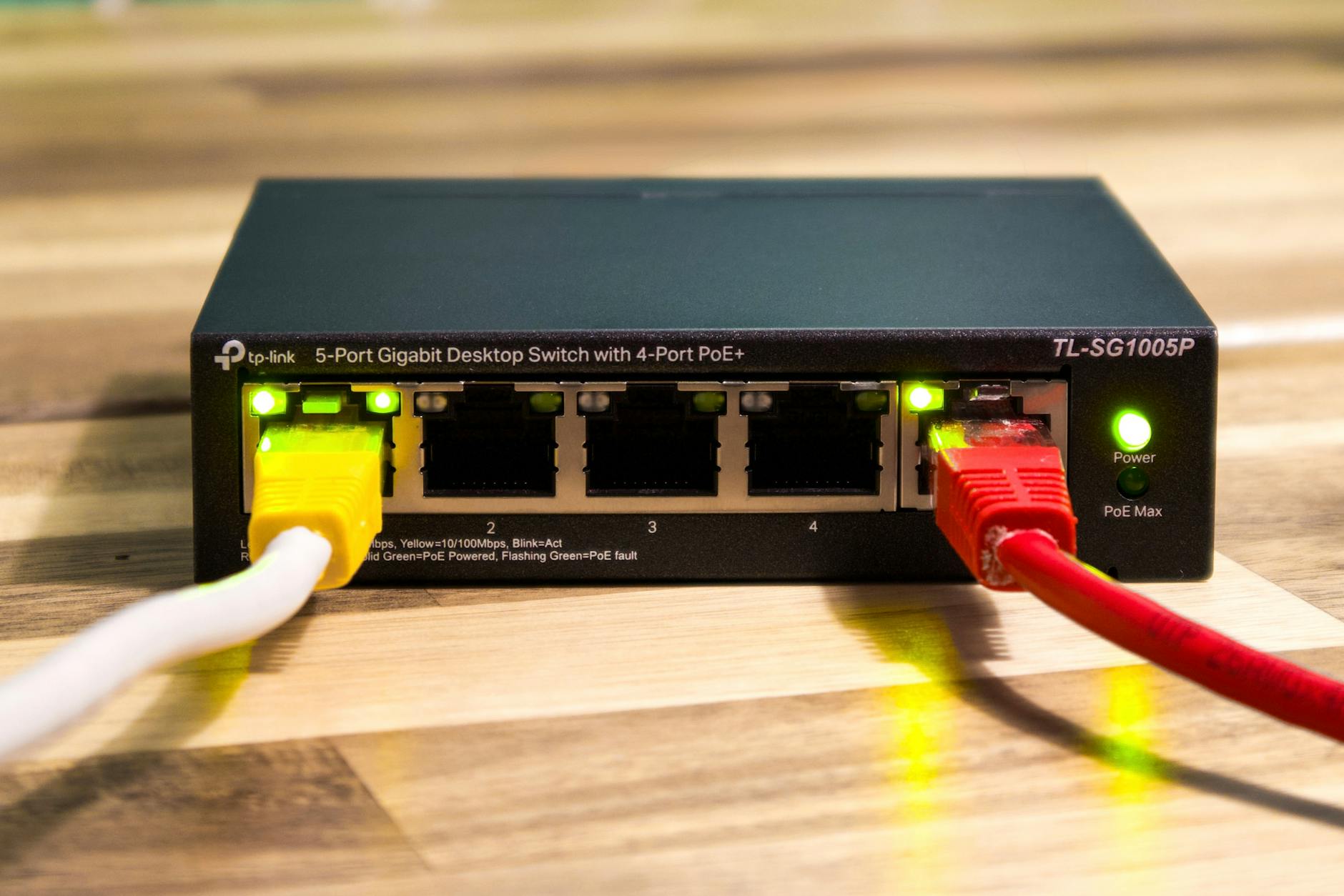
Key Specifications
- Maximum Data Rate: Up to 40 Gbps (40 Gigabit Ethernet, supporting 25GBASE-T and 40GBASE-T applications). It can also handle lower speeds like 10 Gbps or 1 Gbps with full backward compatibility.
Bandwidth (Frequency): Up to 2 GHz (2000 MHz) — four times higher than Cat 6A (500 MHz) and significantly more than Cat 7 (600 MHz). This enables the high throughput while reducing latency and improving signal integrity.
Shielding: Fully shielded — almost always S/FTP (Screened/Foiled Twisted Pair). Each of the four pairs is individually foil-shielded, with an overall braid shield. This provides excellent protection against electromagnetic interference (EMI) and crosstalk, which is essential at such high frequencies.
Conductors: Typically 22–24 AWG solid or stranded bare copper (thicker than many lower-category cables to support the performance).Connectors: Standard RJ45 (8P8C modular) for the TIA version, making it backward-compatible with Cat 5e through Cat 6A ports and equipment. Gold-plated contacts (often 50 µm) are common for better conductivity and corrosion resistance.
Comparison with Other Categories
| Category | Max Bandwidth | Max Speed (at stated distance) | Max Distance (for rated high speed) | Shielding | Typical Use Case |
|---|---|---|---|---|---|
| Cat 6 | 250 MHz | 10 Gbps | 55 m | Optional (UTP/STP) | General home/office |
| Cat 6A | 500 MHz | 10 Gbps | 100 m | Often shielded | 10G Ethernet over longer runs |
| Cat 7 | 600 MHz | 10 Gbps (up to 100 m) | Shorter for higher speeds | Shielded (S/FTP) | Industrial/specialized (not TIA) |
| Cat 8 | 2000 MHz | 25–40 Gbps | 30 m | Mandatory S/FTP | Data centers, short high-speed links |
Cat 8 is not a general replacement for Cat 6A in homes or offices because of the short distance limit and higher cost. It’s optimized for environments needing very high bandwidth over short runs